
Introduction
PNG and JPG are two of the most widely used image formats, but they are designed for different purposes. PNG uses lossless compression and supports transparent backgrounds, making it a strong choice for logos, screenshots, graphics, and images that need crisp details. JPG uses lossy compression to produce smaller files, which makes it particularly useful for photographs and other images where file size matters.
So, which format should you choose? It depends on what you are creating. If you need transparency or want to preserve sharp graphic details, PNG is usually the better option. If you are working with photographs and want a smaller file that loads quickly, JPG is often the better choice. For modern websites, WebP and AVIF are also worth considering when browser support and compression efficiency are priorities.
Choosing the right image format can affect file size, visual quality, page loading performance, and how an image behaves during editing. Understanding the strengths and limitations of PNG and JPG makes it easier to choose the right format instead of using the same format for every image.
Key Takeaways
PNG uses lossless compression, so saving a PNG does not discard image data through the compression process. It is especially useful for logos, screenshots, graphics, and images where sharp edges and fine details matter.
JPG uses lossy compression, which reduces file size by discarding some image information. With a suitable compression level, JPG can provide a good balance between visual quality and file size, especially for photographs.
PNG is a strong choice for logos, screenshots, interface graphics, and images that require transparency. JPG does not support an alpha channel, so it cannot store a true transparent background.
JPG is commonly used for photographs because its lossy compression can produce much smaller files than an equivalent uncompressed or lossless image. This makes it useful when download size and storage efficiency matter.
The choice between PNG and JPG depends on the purpose of the image, such as quality needs, file size requirements, and whether transparency is needed or not.
PNG vs JPG (JPEG): What's the Difference?
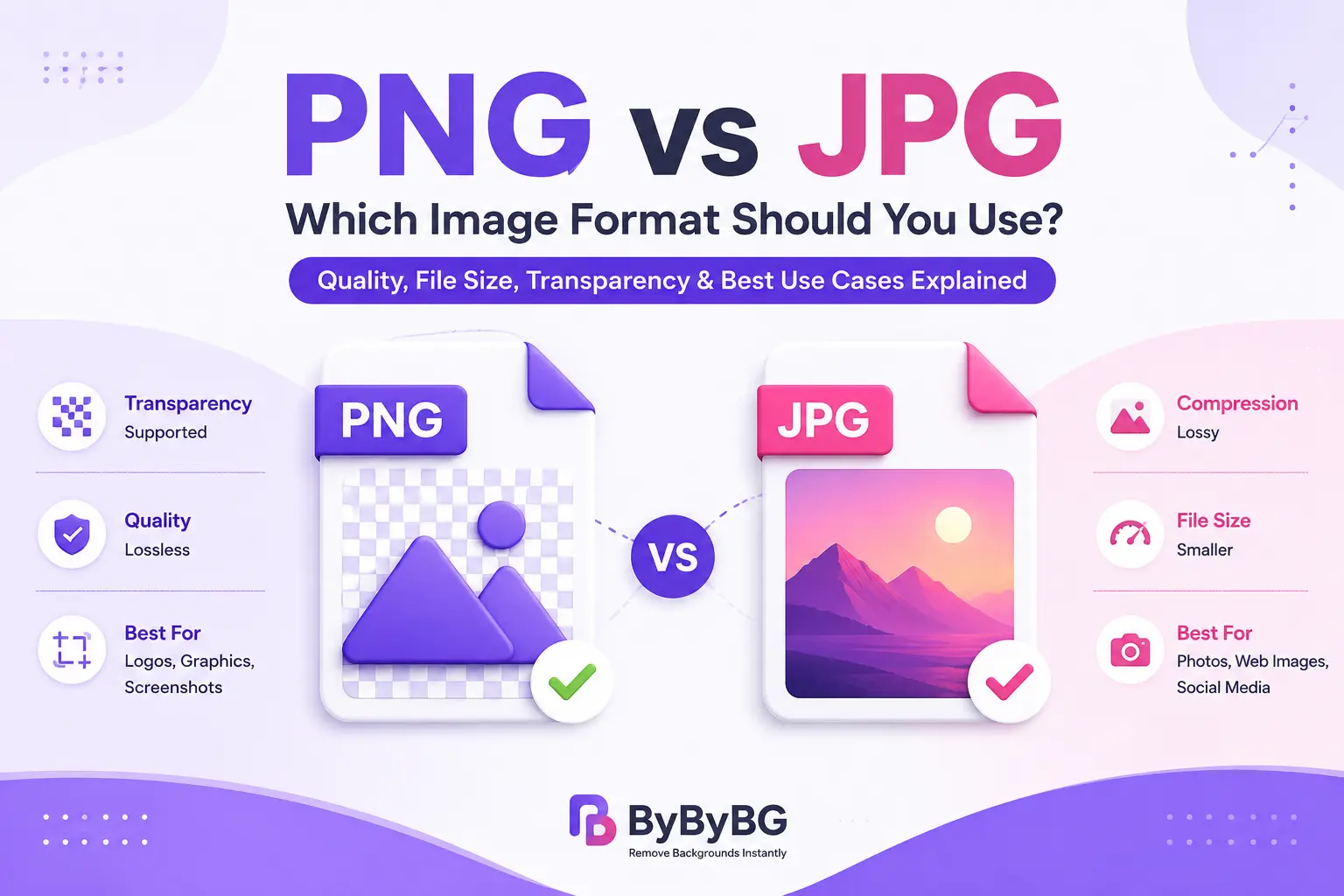
The biggest difference between PNG and JPG is how they compress image data. PNG uses lossless compression, while JPG uses lossy compression. This difference affects image quality, file size, editing, and transparency.
Compression: PNG uses lossless compression; JPG uses lossy compression.
Image quality: PNG preserves image data during compression, while JPG removes some data to reduce file size.
File size: PNG is often larger, especially for photographs; JPG is usually smaller for photographic images.
Transparency: PNG supports transparency; JPG does not.
Best use cases: PNG works well for graphics, logos, screenshots, and transparent images. JPG is generally better suited to photographs.
Repeated editing: PNG can be saved repeatedly without introducing lossy compression artifacts. Repeatedly opening and re-saving a JPG can cause additional quality loss.
PNG vs JPG at a Glance
PNG
- Lossless compression
- Supports transparency
- Usually larger files
- Best for logos and graphics
- Excellent for screenshots
- Preserves image data
JPG
- Lossy compression
- No transparency
- Usually smaller files
- Best for photographs
- Good for web photos
- Some image data is discarded
PNG and JPG make different trade-offs. PNG preserves image data through lossless compression, which is useful when you need clean edges, text, or transparency. JPG reduces file size by using lossy compression, making it more practical for many photographs. The amount of JPG compression matters: stronger compression generally creates smaller files but can also introduce visible artifacts.
A Simple Example
Imagine you have two images: a product photo with a plain background and a company logo with transparent areas. The product photo may work well as a JPG because it contains many colors and does not need transparency. The logo is better suited to PNG because its transparent areas and sharp edges need to be preserved. If both images are being delivered on a modern website, WebP may also be worth testing for smaller file sizes.
When Should You Use PNG?
PNG is most useful when preserving detail or transparency is more important than achieving the smallest possible file size. It is particularly well suited to graphics with sharp edges, text, simple color areas, and transparent backgrounds.
Use PNG for Transparent Images
PNG is a good choice when you need a transparent background, especially for overlays, graphics, and designs.
Use PNG for Logos
PNG works well for logos because it can preserve sharp edges and fine details without lossy compression.
Use PNG for Screenshots
Screenshots can contain text and user interface elements, which PNG maintains sharp.
Use PNG for Text and Sharp Graphics
PNG is well suited to images containing text because its lossless compression can preserve sharp edges and fine details.
Use PNG for Product Cutouts
PNG is also useful for product cutouts when the image needs a transparent background. This allows the same product image to be placed over different backgrounds without adding a solid-colored box around it.
When Should You Use JPG (JPEG)?
JPG is usually the practical choice when you are working with photographs and want to keep the file size relatively small. Because photographs contain many colors, gradients, and subtle details, lossy compression can reduce their file size considerably while maintaining acceptable visual quality at a suitable compression level.
Use JPG for Photos
JPG works well with real-life images having numerous colors and gradients.
Use JPG for Blog Images
Reduced file size is useful to enhance the speed of pages in websites.
Use JPG When File Size Matters
JPG can be more storage-efficient when a smaller file size is more important than lossless image data.
Use JPG for Social Media Images
JPG can be a practical choice for social media images when you want to keep the uploaded file reasonably small. Keep in mind that many social platforms process and recompress uploaded images themselves.
PNG vs JPG: Which Has Better Image Quality?
PNG does not automatically produce a better-looking image than JPG. The key difference is how much image data is preserved during compression. PNG uses lossless compression, so it preserves the image data that enters the PNG encoding process. JPG uses lossy compression, so some information is discarded to reduce file size.
For screenshots, logos, text-heavy graphics, and transparent images, PNG can preserve sharp edges particularly well. For photographs, a properly compressed JPG can look very good while being substantially smaller. At high levels of JPG compression, artifacts such as blockiness, ringing, or loss of fine detail can become noticeable.
PNG vs JPG: Which Has the Smaller File Size?
JPG is often smaller than PNG when both are used for photographs, but there is no fixed file-size difference for every image. File size depends on the image content, dimensions, color complexity, compression settings, and the particular encoder used.
For example, a photograph may become much smaller as a JPG, while a simple graphic with large areas of solid color may compress efficiently as a PNG. That is why comparing the actual exported files is more useful than assuming one format will always be smaller.
PNG vs JPG for Websites: Which Is Better?
For websites, the best image format depends on the type of image and the balance between quality, file size, compatibility, and browser support. Large image files can increase download time, so choosing an efficient format is one part of image optimization.
JPG remains a practical choice for photographs when broad compatibility and smaller file sizes are important. PNG is better suited to transparent graphics, screenshots, logos, and images where lossless quality matters. For many modern websites, WebP and AVIF can provide better compression than traditional PNG and JPG, although the best choice still depends on the image and the browser-support requirements.
Other factors matter too, including image dimensions, compression settings, responsive images, and whether the image is actually needed at its full resolution.
What Image Format Should You Use After Removing a Background?
The best format after removing an image background depends on what you plan to do with the result.
Need a transparent background? → PNG or WebP
Need maximum compatibility? → PNG
Need a small file for a modern website? → WebP
Need a photographic image with no transparency? → JPG or WebP
Need a product cutout for different backgrounds? → PNG or transparent WebP
If the background has been removed and the subject needs to be placed over different colors, designs, or product layouts, transparency becomes important. PNG is a widely compatible choice, while WebP can also store transparency and may produce a smaller file.
PNG vs JPG (JPEG) vs WebP: Which Should You Choose?
PNG vs JPG vs WebP
PNG
- Transparency support
- Lossless compression
- Great for logos and screenshots
- Usually larger files
JPG / WebP
- JPG is excellent for photographs
- WebP supports lossy and lossless compression
- WebP supports transparency
- WebP can produce smaller files
WebP is a modern image format that supports both lossy and lossless compression, as well as transparency. It can often produce smaller files than comparable PNG or JPG images while maintaining good visual quality. This makes WebP useful for modern websites, although PNG and JPG can still be preferable when compatibility, editing workflows, or specific image requirements make them a better fit.
What About AVIF?
AVIF is another modern image format designed to provide efficient compression while supporting features such as transparency and high color depth. It can offer smaller files than JPEG and PNG in many situations, making it attractive for performance-focused websites. However, choosing an image format should also take browser support, fallback options, editing workflows, and the type of image into account.
For a website, you do not necessarily need to replace every PNG or JPG with AVIF. The practical approach is to test formats with real images and use the one that provides the best combination of visual quality, file size, and compatibility.
PNG vs JPG (JPEG): Which One Should You Choose?
Choose PNG if:
You need a transparent background.
Your image contains text or sharp graphic edges.
You are working with a logo, icon, screenshot, or interface graphic.
You want lossless compression.
Choose JPG if:
You are saving a photograph.
Transparency is not required.
You want a smaller file size.
You need a widely supported format for photographic images.
Choose WebP if:
You are optimizing images for a modern website.
You want good compression with support for transparency.
You can use a suitable fallback where necessary.
Consider AVIF if:
File-size efficiency is a major priority.
Your delivery setup supports it reliably.
You are prepared to provide an appropriate fallback when needed.
How to Convert PNG to JPG (JPEG)
Converting PNG to JPG is useful when you no longer need transparency and want a smaller photographic file. The general process is:
Open or upload the PNG image.
Choose JPG/JPEG as the output format.
Select an appropriate quality or compression level.
Check the resulting image for visible artifacts.
Save or download the JPG file.
Keep in mind that converting a PNG to JPG removes transparency and introduces lossy compression. If you may need the original transparent version later, keep the PNG as your master copy.
How to Convert JPG (JPEG) to PNG
Converting JPG to PNG can be useful when you need a PNG workflow or want to edit the image without applying another round of JPG compression. However, converting a JPG to PNG does not restore the image data that was already lost when the JPG was compressed.
Open or upload the JPG image.
Choose PNG as the output format.
Make any necessary edits.
Save or download the PNG.
If you need a transparent background, the image itself must have transparency added during editing or background removal. Simply converting a JPG to PNG does not automatically make its background transparent.
Conclusion
PNG and JPG are both useful image formats, but they solve different problems. PNG is a strong choice for transparent images, logos, screenshots, and graphics where sharp details and lossless compression matter. JPG is generally more suitable for photographs because it can produce much smaller files while maintaining good visual quality at an appropriate compression level.
For websites, the choice should not be based on file extension alone. Consider the image type, required dimensions, compression level, transparency needs, browser compatibility, and page performance. WebP and AVIF are also worth considering when you want more efficient image delivery.
The simplest rule is this: use PNG when transparency or lossless detail is important, JPG when you need an efficient format for photographs, and consider WebP or AVIF when modern web performance is the priority.