
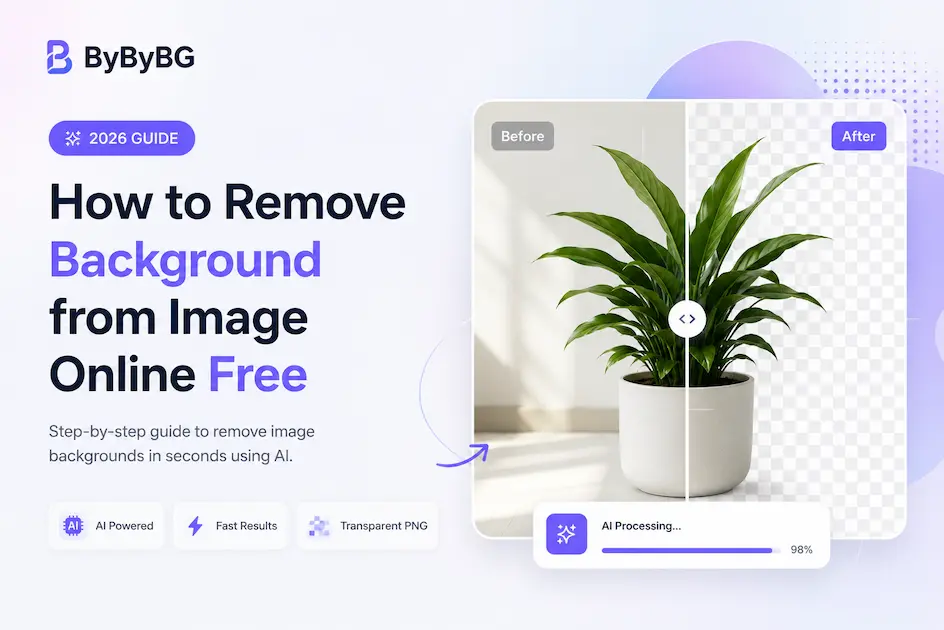
Removing backgrounds from images used to require expensive software and professional editing skills. Today, AI background removal tools can automatically remove backgrounds in seconds without Photoshop or manual editing.
Whether you are a designer, eCommerce seller, content creator or developer, transparent PNG images help create professional visuals for websites, products and social media.
In this complete guide, you will learn how AI background removal works, the best methods to remove backgrounds online for free, image format comparisons, optimization tips and professional editing tricks.
What is Background Removal?
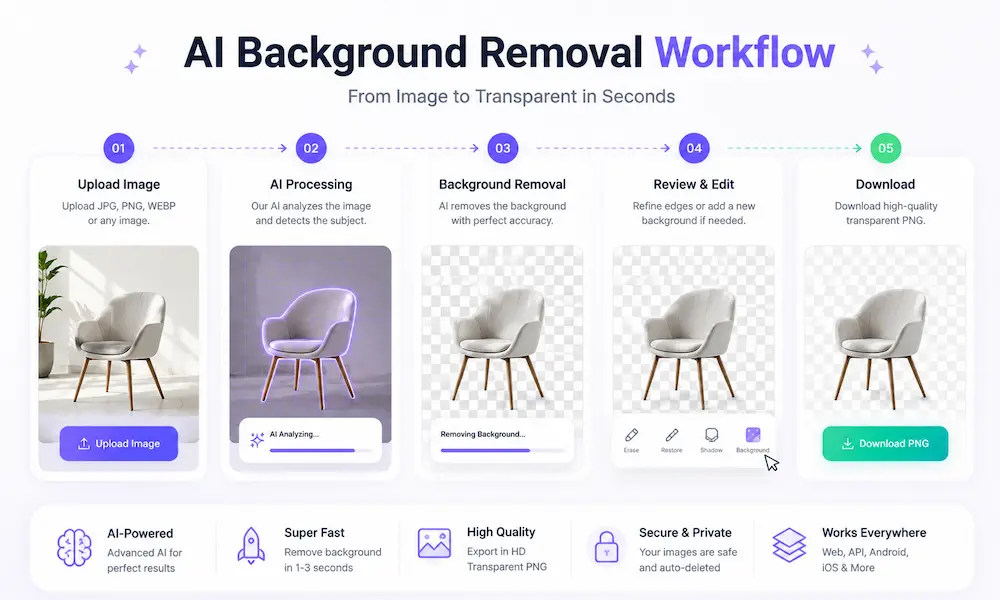
Background removal is the process of separating the main subject of an image from its background. The final result is usually a transparent PNG image that can be used for websites, eCommerce stores, thumbnails, presentations and professional graphics.
Traditional background removal required manual editing using Photoshop Pen Tool or Magic Wand selections. Modern AI tools now automate the process using machine learning and image segmentation.
If you want to understand how artificial intelligence detects objects automatically, read our complete guide about how AI background removal works on ByByBG blog.
Why Background Removal Matters
Professional background removal improves image quality, branding and conversion rates. Clean images increase trust and help products stand out on marketplaces and websites.
Transparent images are widely used for eCommerce product listings, YouTube thumbnails, logos, app assets and social media marketing.

How AI Background Removal Works
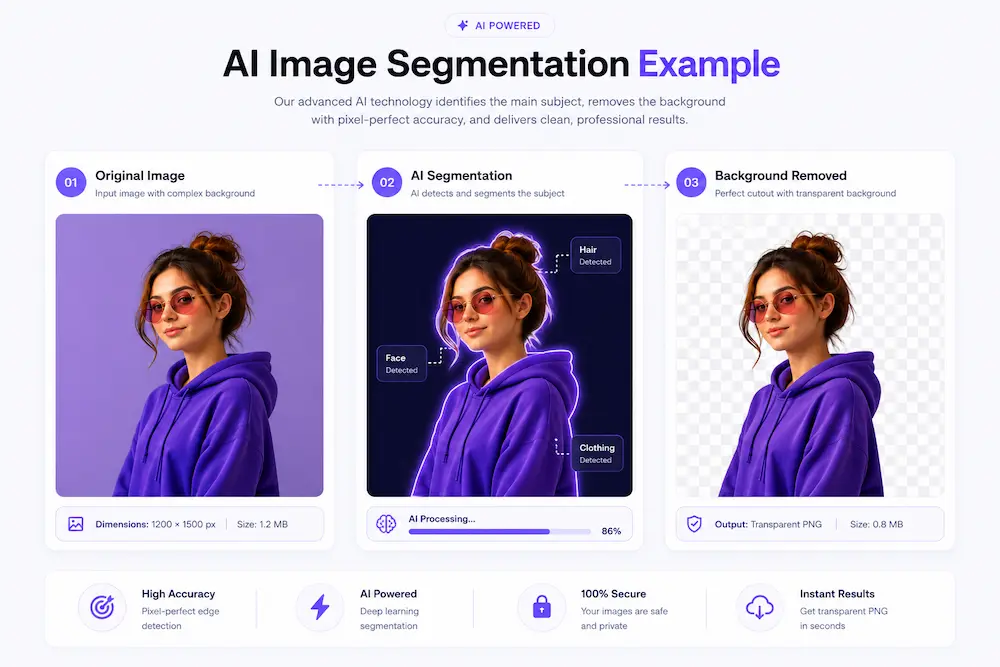
AI background removal systems use deep learning models trained on millions of images. These models identify edges, human faces, objects, hair details and shapes automatically.
The AI separates foreground subjects from backgrounds using image segmentation algorithms. Advanced systems can even detect fine hair strands, transparent objects and shadows.
Step-by-Step Guide to Remove Background from Images
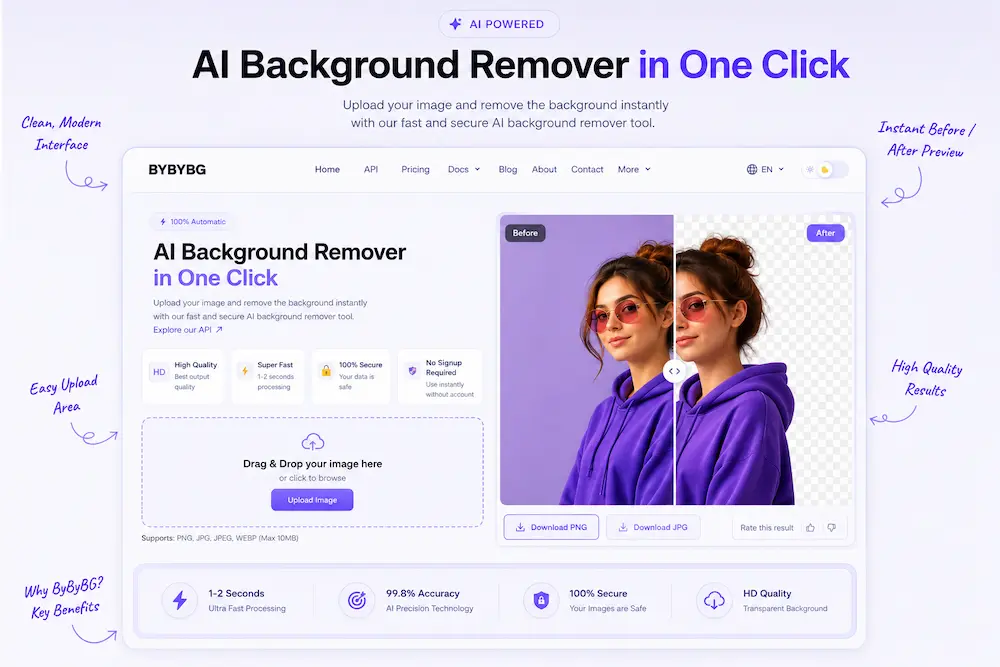
The easiest way to remove image backgrounds online is by using AI tools such as ByByBG. The process only takes a few seconds.
Step 1: Open the background remover tool and upload your image.
Step 2: Wait while the AI automatically detects the main subject.
Step 3: Download the transparent PNG image.
Step 4: Optionally add a custom background or continue editing.
AI Tools vs Photoshop Background Removal
AI Background Removers
- Automatic processing
- No editing skills required
- Very fast results
- Beginner friendly
- Works online
- Affordable or free
Photoshop Manual Editing
- Requires professional skills
- Time consuming
- Complex interface
- Manual selections needed
- Expensive software
- Steeper learning curve
PNG vs JPG — Which Format is Better?
PNG is the best format for transparent backgrounds because it supports alpha transparency without quality loss. JPG images do not support transparency.
WEBP is another modern image format that supports transparency with smaller file sizes for faster websites.
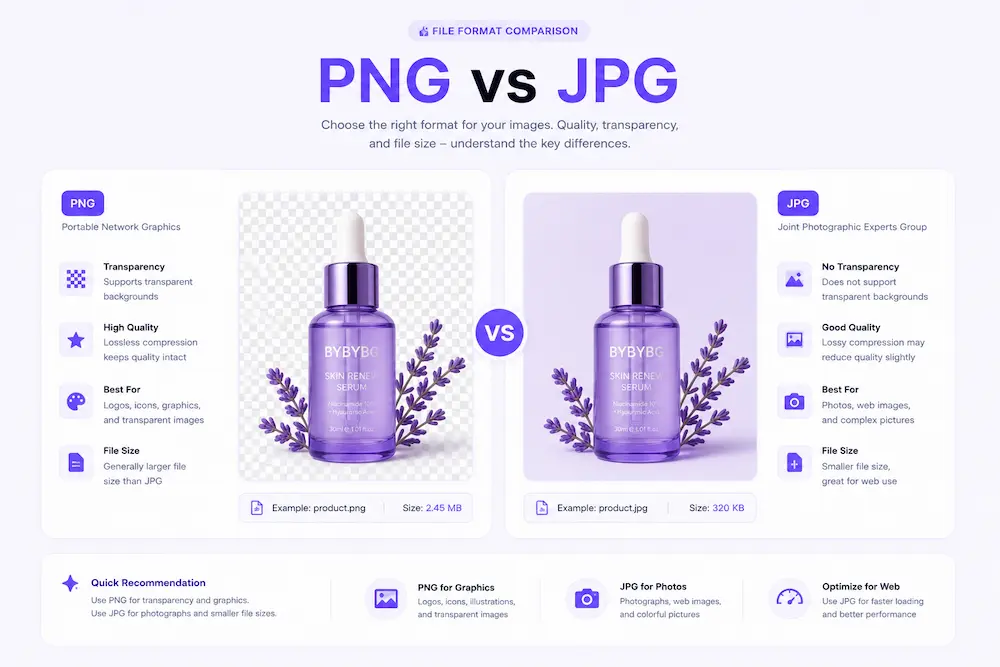
You can also read our detailed PNG vs JPG image format comparison guide on ByByBG blog.
Common Problems During Background Removal
Some images are harder to process because of low lighting, blurry edges or complex backgrounds. Hair, transparent objects and shadows may also reduce AI accuracy if the image quality is poor.
Using high-resolution images with clear contrast significantly improves AI results.
“High quality input images produce dramatically better AI background removal results.”
Best Use Cases for Background Removal
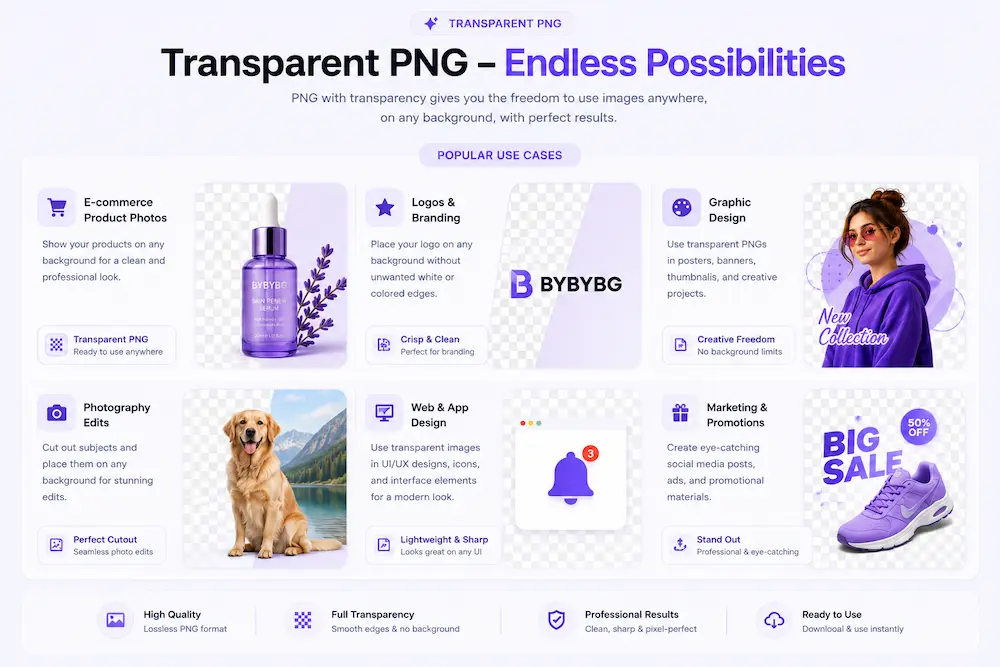
AI background removal is useful for eCommerce product photography, social media graphics, marketing banners, logos, thumbnails, resumes, passport photos and mobile apps.
Businesses use transparent PNG images to create clean and professional branding across websites and marketplaces.
Professional Tips for Better Results
Always use high-resolution images with proper lighting and clear subject separation.
Avoid blurry photos and extremely dark backgrounds because they reduce edge detection accuracy.
For websites, use WEBP format after processing to improve loading speed and SEO performance.
Developers can integrate automatic image processing using the ByByBG API documentation for JavaScript, Python, Flutter and Kotlin apps.
Why Choose ByByBG
ByByBG provides fast AI-powered background removal with developer APIs, transparent PNG generation and scalable image processing infrastructure.
The platform is optimized for developers, SaaS products, eCommerce stores and automation workflows.

Final Thoughts
AI background removal has completely transformed image editing workflows. Tasks that once required professional editors can now be completed automatically within seconds.
Whether you are building an eCommerce store, designing social media content or integrating image processing APIs into applications, AI tools make background removal faster, easier and more scalable than ever before.